Send E-mails and SMS After your Workshop or Event to keep attendees engaged
What happens after the event ends? With Parrot you can send emails and SMS after the workshop or event to keep attendees engaged for future events or upselling.

Send E-mails and SMS After your Workshop or Event to keep attendees engaged
The lights are off, the chairs are stacked, and the attendees have gone home. For most organizers, this is where the work stops. But for the most successful community builders and marketers, this is where the real relationship begins.
Maintaining momentum after a workshop, conference, or event is critical. If you wait a week to reach out, the “spark” of inspiration your attendees felt has likely faded.
With Parrot, you can automate your post-event outreach across SMS and Email, ensuring your audience stays engaged, informed, and ready for your next big thing.
Why Post-Event Messaging is Non-Negotiable
- Higher Retention: People are more likely to attend your next event if they feel valued after the first one.
- Immediate Feedback: Capture impressions while the experience is fresh to improve your future sessions.
- Upselling Opportunities: Transition attendees into your paid programs, consulting services, or advanced workshops.
- Resource Sharing: Deliver the slide decks, photos, or reading lists you promised during the session.
How to Use Parrot for Post-Event Engagement
1. Send Instant “Thank You” SMS
SMS has a near-perfect open rate. Sending a quick “Thank you for joining us!” within an hour of the event ending makes attendees feel seen and appreciated.
- How it works in Parrot: Simply upload your registration list (CSV or Excel), write one message, and use the
{FirstName}placeholder to make it personal for every recipient.
2. Deliver Digital Certificates at Scale
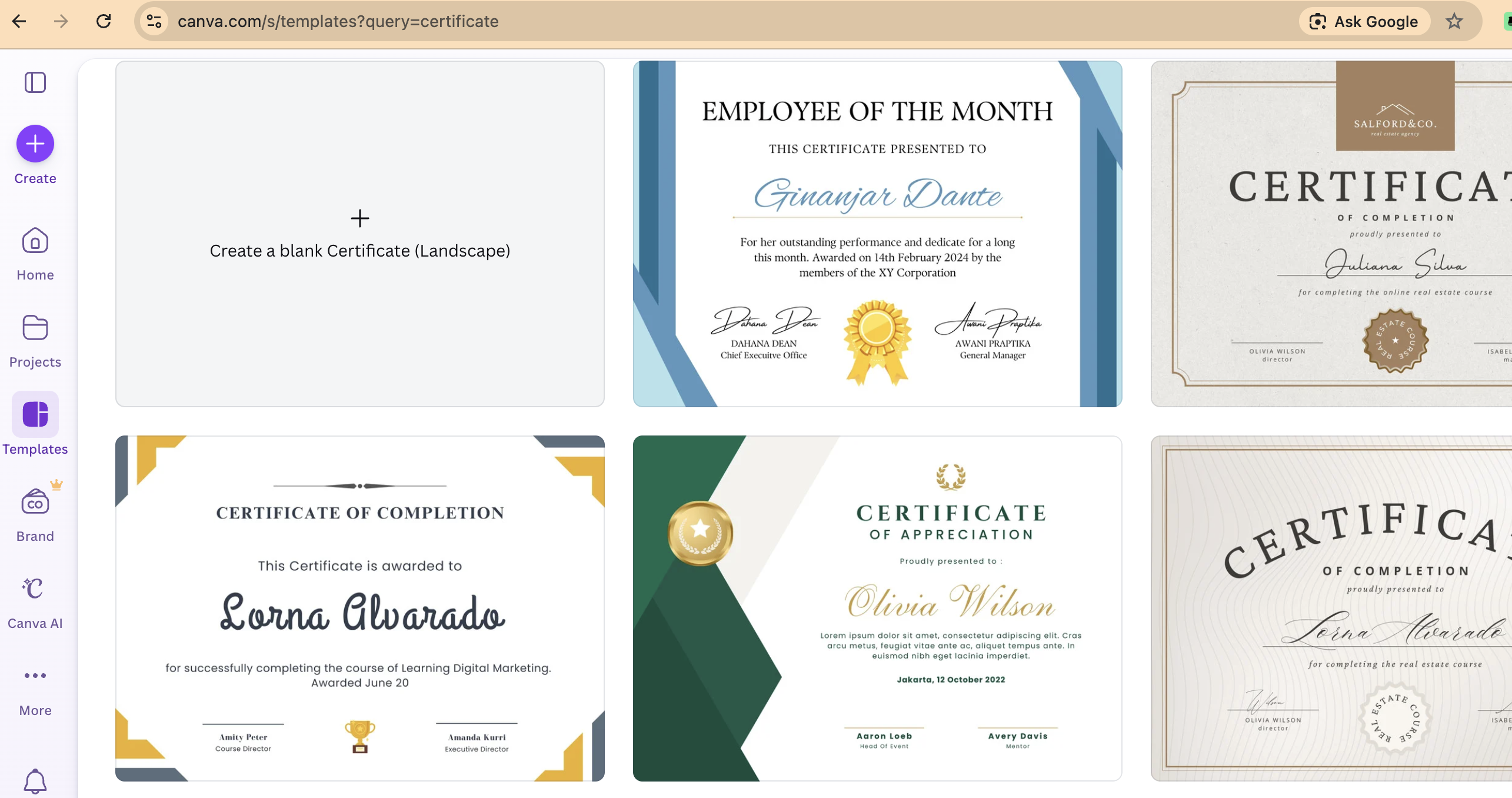
If your workshop provided professional training, a certificate is a high-value asset that attendees love to share on social media. However, manually creating 100 certificates is an administrative nightmare.
Use our Imagen feature. Design a certificate once in Canva, upload the template to Parrot, and the system will automatically generate and email a personalized PDF certificate to every attendee in seconds.
3. Share Resources via Bulk Email
Email is the best place for long-form content and links. Use Parrot to send out:
- PDF versions of presentation slides.
- Links to feedback surveys (Google Forms, Typeform).
- Special “early bird” discount codes for your next upcoming event.
Example Templates to Keep the Spark Alive
The Quick “Thank You” (SMS):
“Hi {FirstName}, thanks for making our workshop a success! We’d love your feedback. Check your email for a quick 2-minute survey and your certificate of attendance. - Team [YourBrand]”
The Resource Wrap-up (Email):
“Subject: [Action Required] Your resources and certificate from {EventName}
Hi {FirstName},
Thank you for joining us yesterday! We covered a lot of ground regarding {Topic}. As promised, here are the links to the resources mentioned during the session… [Link]”
Stop Chasing, Start Connecting
Post-event messaging shouldn’t be a chore that takes hours of manual data entry. Whether you are an NGO running community workshops, a tech company hosting a developer meetup, or a church organizing a national conference, Parrot removes the technical barriers to professional communication.
By automating your follow-ups, you ensure that no attendee is forgotten and every lead is nurtured.
Don’t let the connection fade. Signup for Parrot today and start your 14-day trial.